Publish on the Web
- Post to Blog
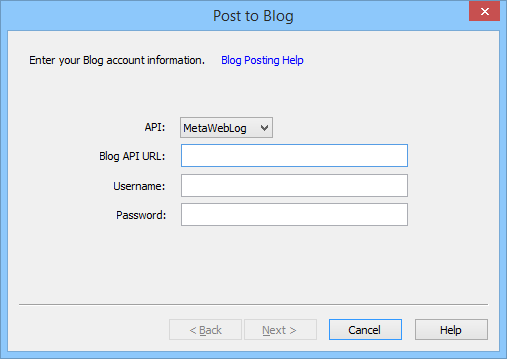
- API
- Select the API to use. Currently only MetaWebLog is supported.
- Blog API URL
- Enter the Blog API URL to use.
- Username
- This is the username to login the Blog API.
- Password
- This is the password to login the Blog API.
- WordPress Blog API information
- The Blog API is enabled by default on WordPress 3.5 or later. The API is enabled on earlier versions when checking on Seetings > Writing > Remote Publishing.
If the blog address is http://example.com, the API URL is http://example.com/wordpress/xmlrpc.php and use the WordPress login information as login information.
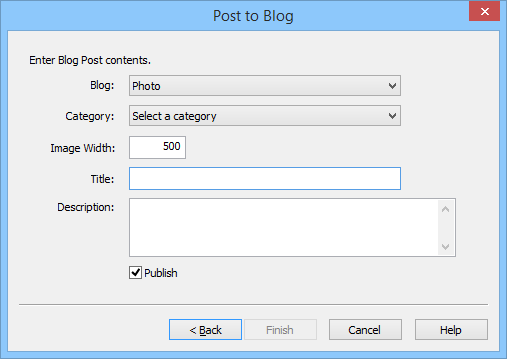
- Blog
- Select a blog to post.
- Category
- Select a category to post.
- Image Width
- Specify the image width to post.
- Title
- Enter the title of the post.
- Description
- Enter the contents of the post.
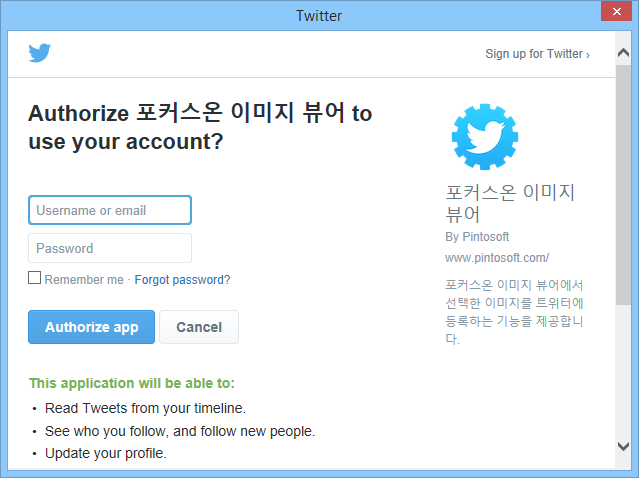
- Authenticate Twitter app
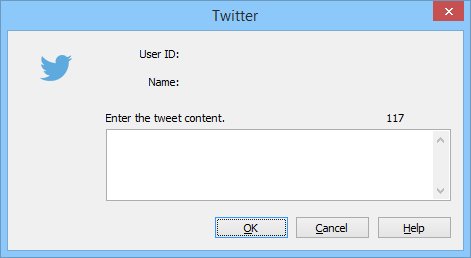
- Enter the tweet contents.
- Share on Facebook
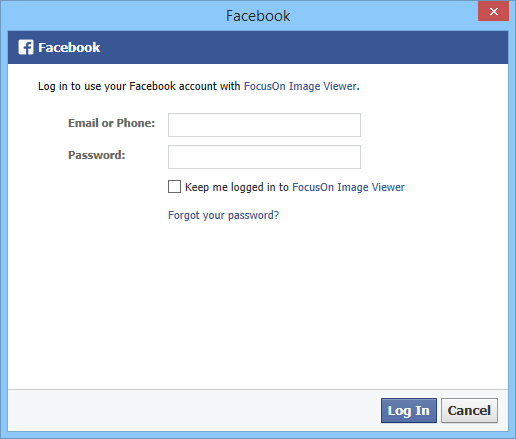
- Authenticate Facebook app
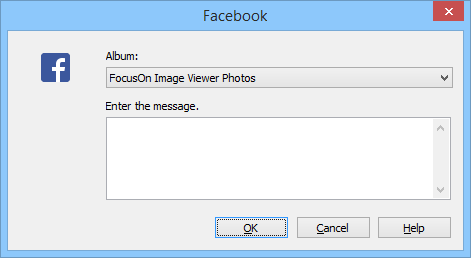
- Album
- Select the album to publish your photos.
- Enter the message.
- Enter the message to publish.